01

Project recap

Hi Snug and Imani, the ad templates are below. You'll see one type-only visual system on the Campminder brand, in a light version and a dark version at every size.

02

Ad system

02-01Templates
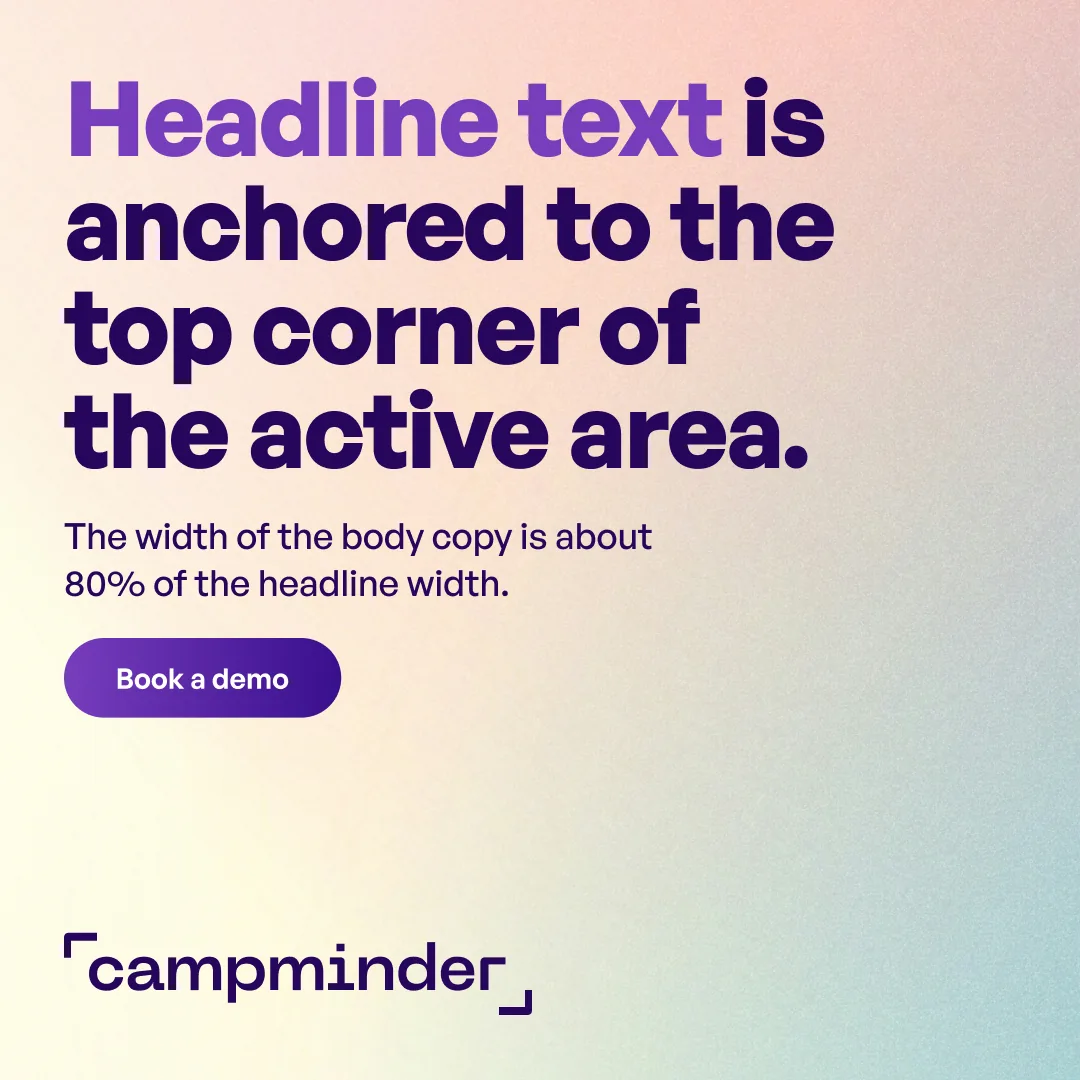
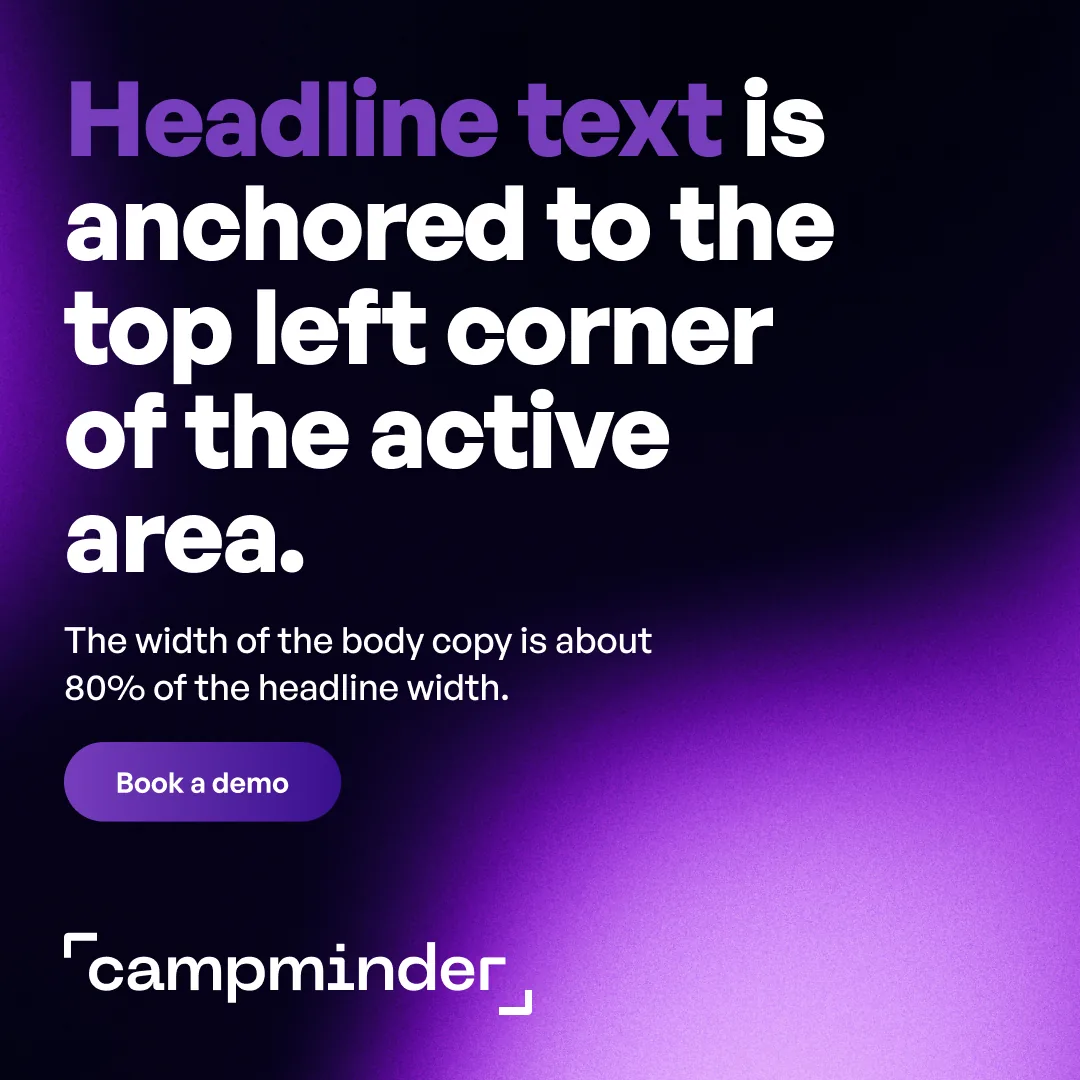
Square template, light
Square · Light
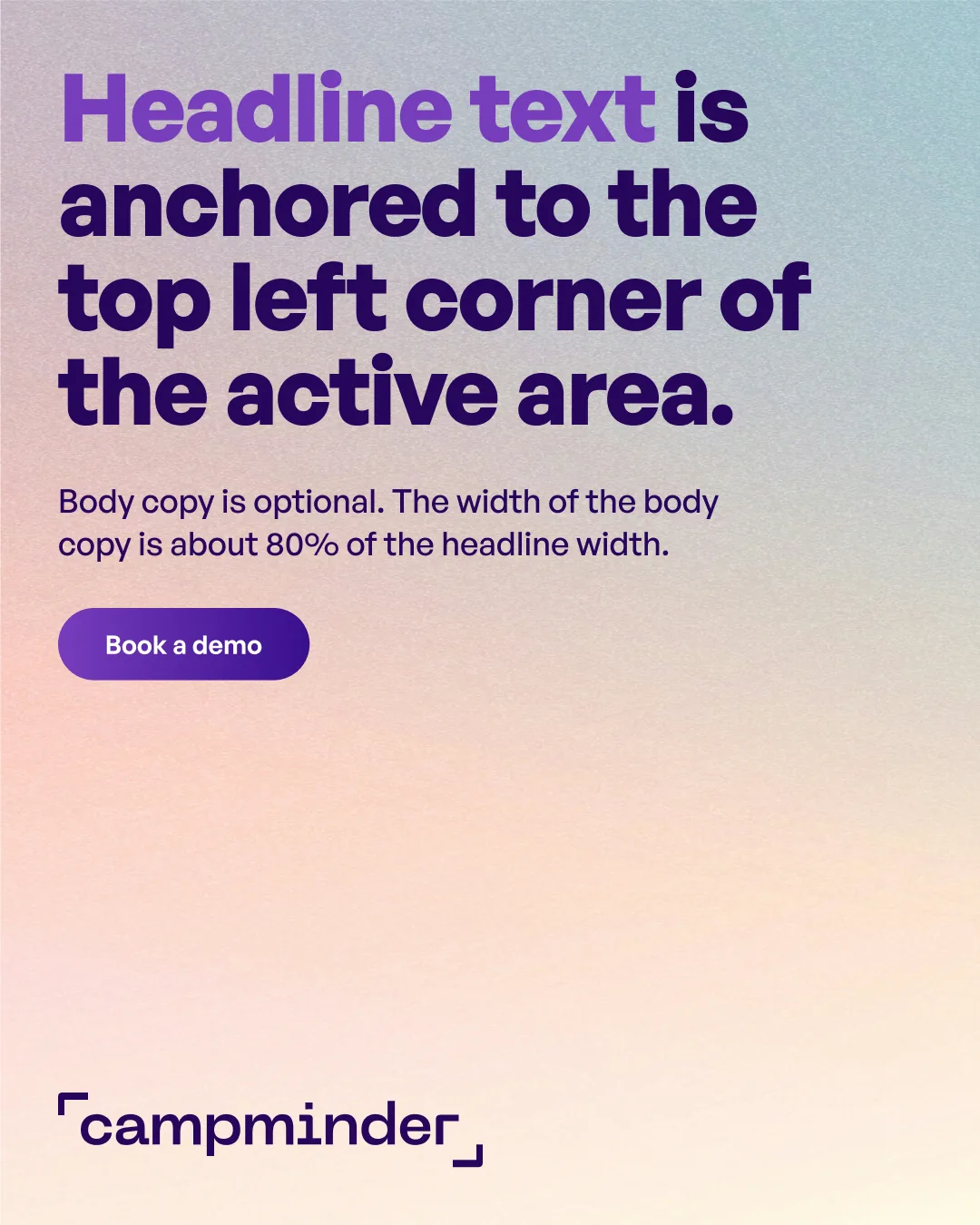
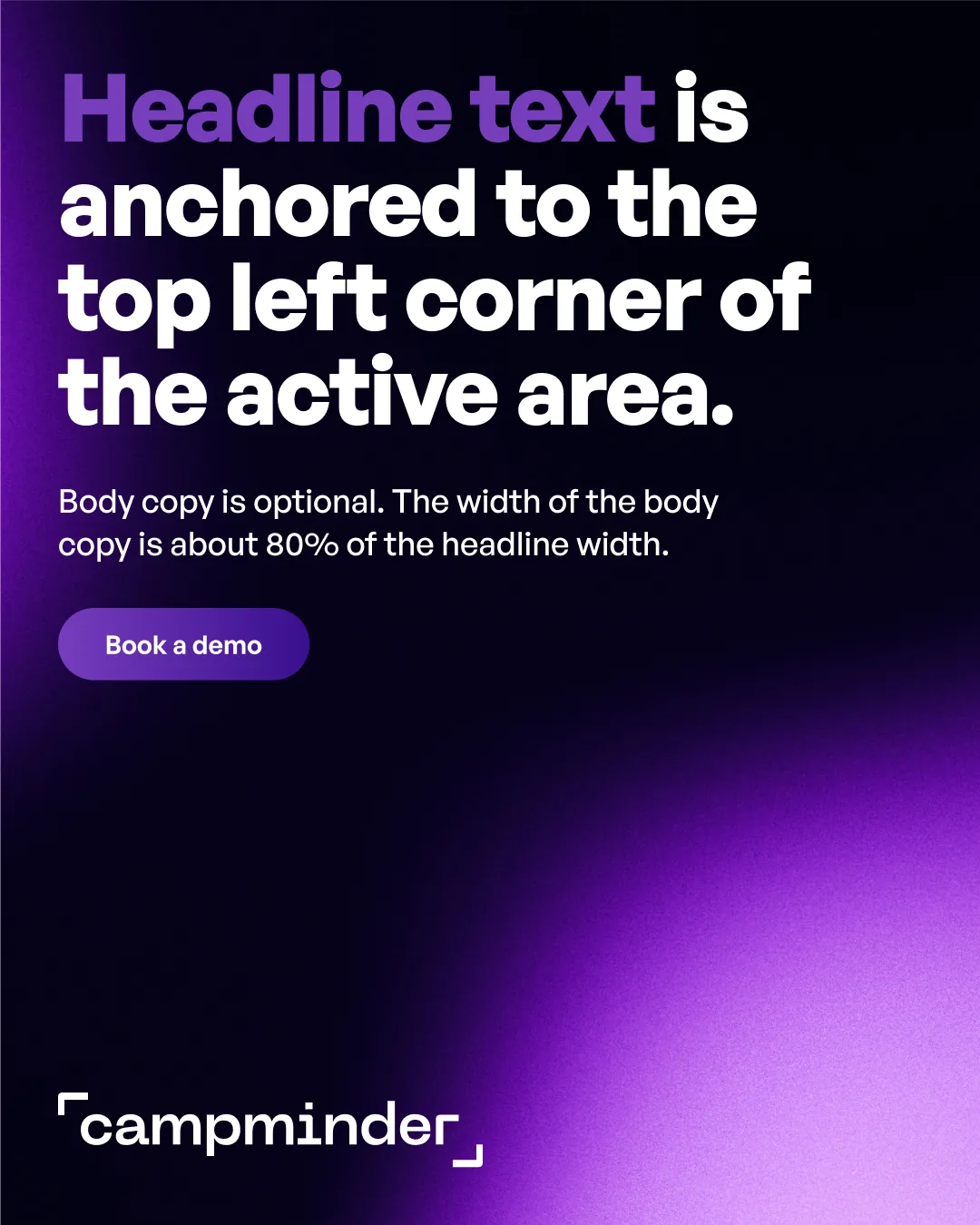
Tall feed template, light
Tall feed · Light
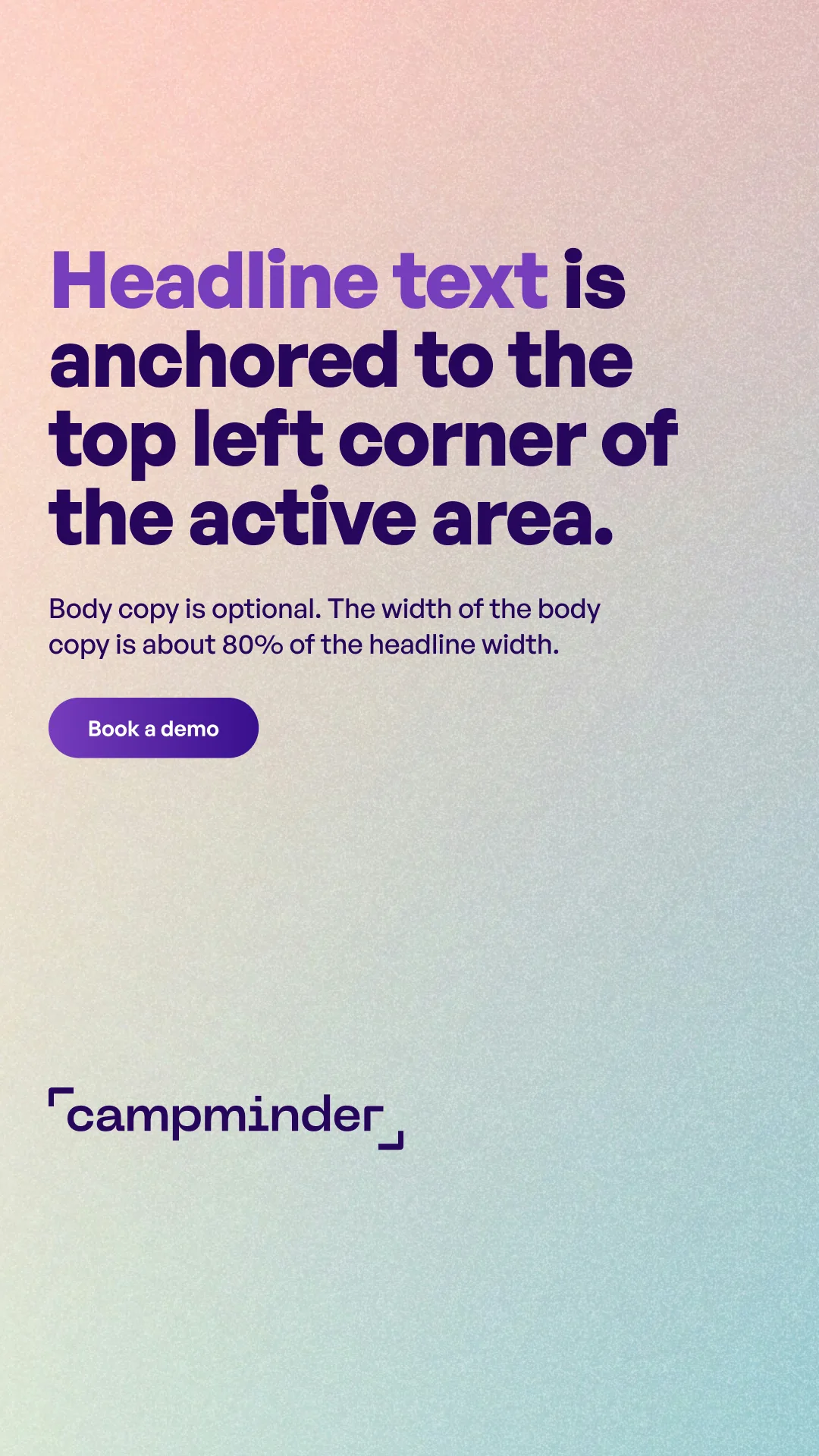
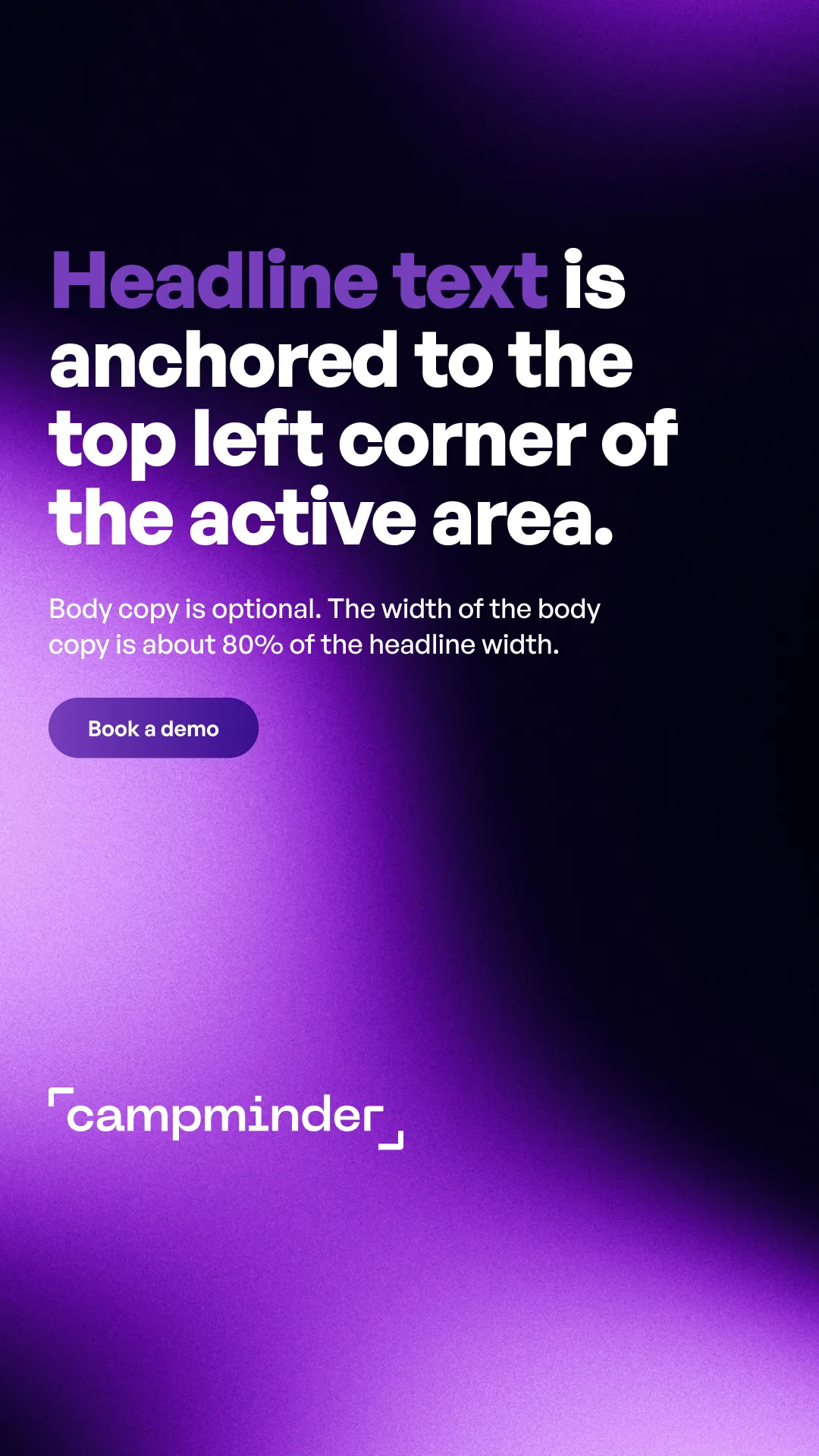
Story template, light
Story · Light
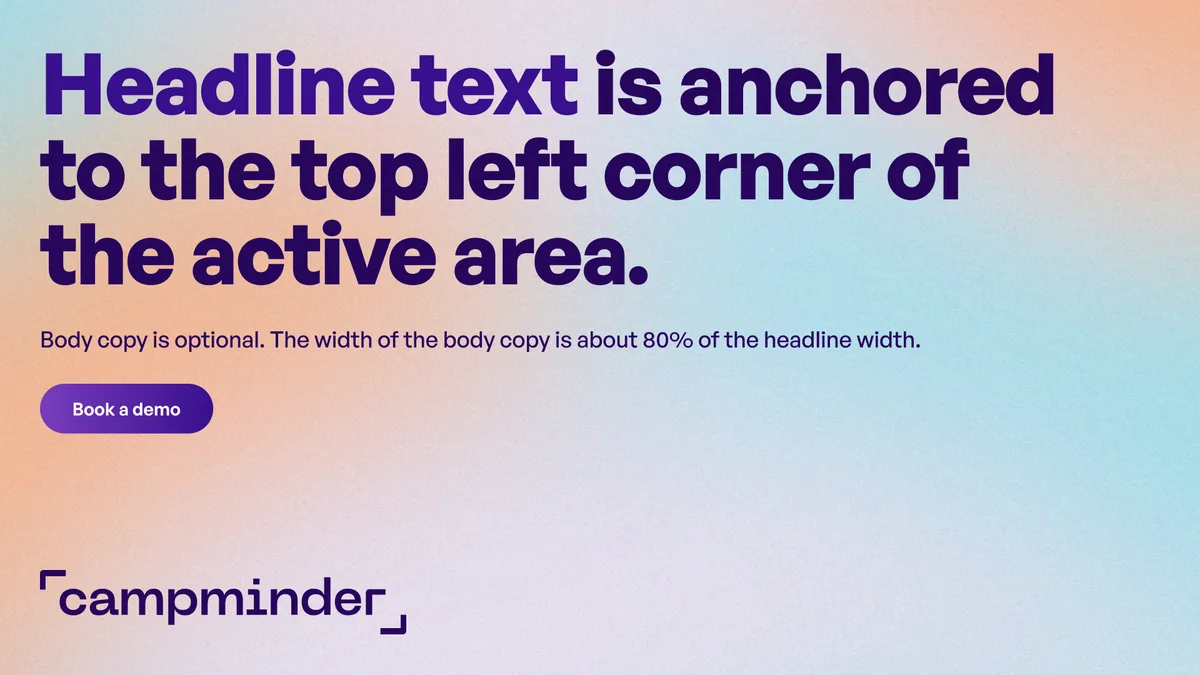
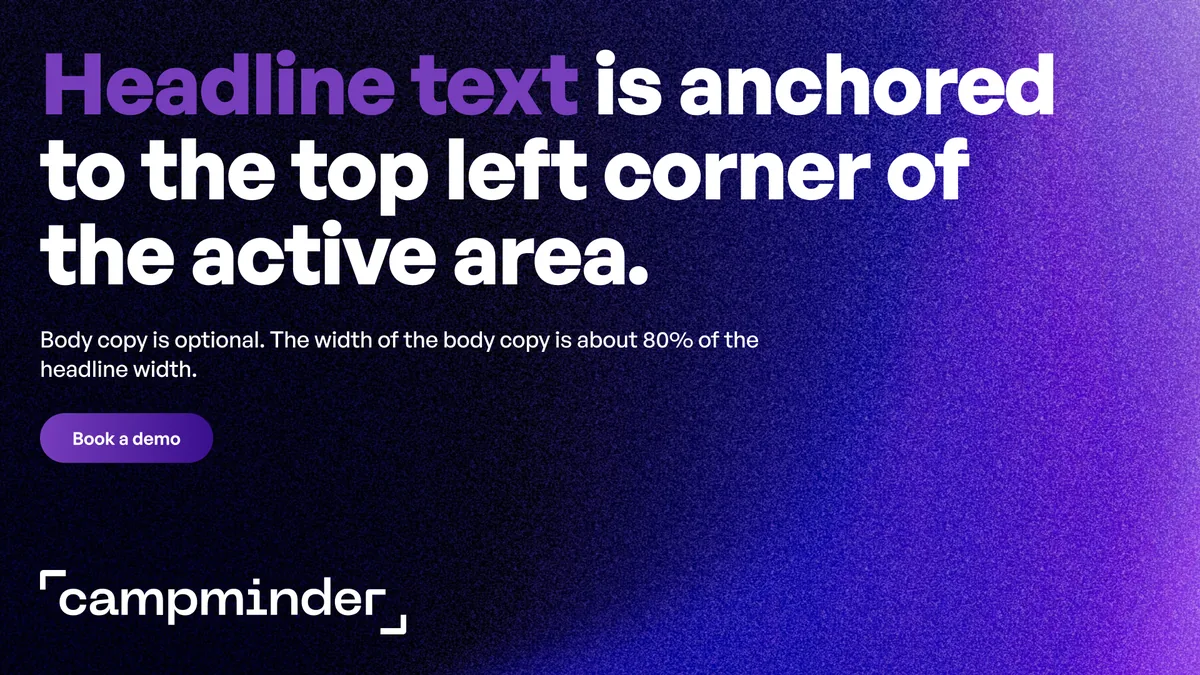
Wide (Google) template, light
Wide (Google) · Light
Wide (YouTube) template, light
Wide (YouTube) · Light
Square template, dark
Square · Dark
Tall feed template, dark
Tall feed · Dark
Story template, dark
Story · Dark
Wide (Google) template, dark
Wide (Google) · Dark
Wide (YouTube) template, dark
Wide (YouTube) · Dark
02-02Elements

Headline

Anchored to the top left corner of the safe area, with a purple lead-in. Same position on every ad.

Body copy

Optional. About 80% of the headline width.

Button

Optional. Below the body copy, in the same position on every ad. Purple gradient, white text.

Logo

On every ad. Bottom left corner of the safe area, sized to the frame.

Background

A gradient, light or dark.

Safe area

Everything stays inside the dashed line, one margin in from the edge.

02-03Type
Typeface
General Sans.
Headline
Bold, 104 px. 136 px on Wide (YouTube). Line height 100%, letter spacing −2%.
Body copy
Medium, 36 px. Line height 130%.
Button
Semibold, 28 px.
03

Templates

Light and dark are shown side by side. All sizes are shown with placeholder copy.

03-01Square
Square ad template, light
Square ad template, dark
03-02Tall feed
Tall feed ad template, light
Tall feed ad template, dark
03-03Story
Story ad template, light
Story ad template, dark
03-04Wide (Google)
Wide (Google) ad template, light
Wide (Google) ad template, dark
03-05Wide (YouTube)
Wide (YouTube) ad template, light
Wide (YouTube) ad template, dark
04

Sizes

Each size is previewed with light and dark backgrounds.

Square. Universal.
1080 × 1080
Tall feed. Meta, LinkedIn.
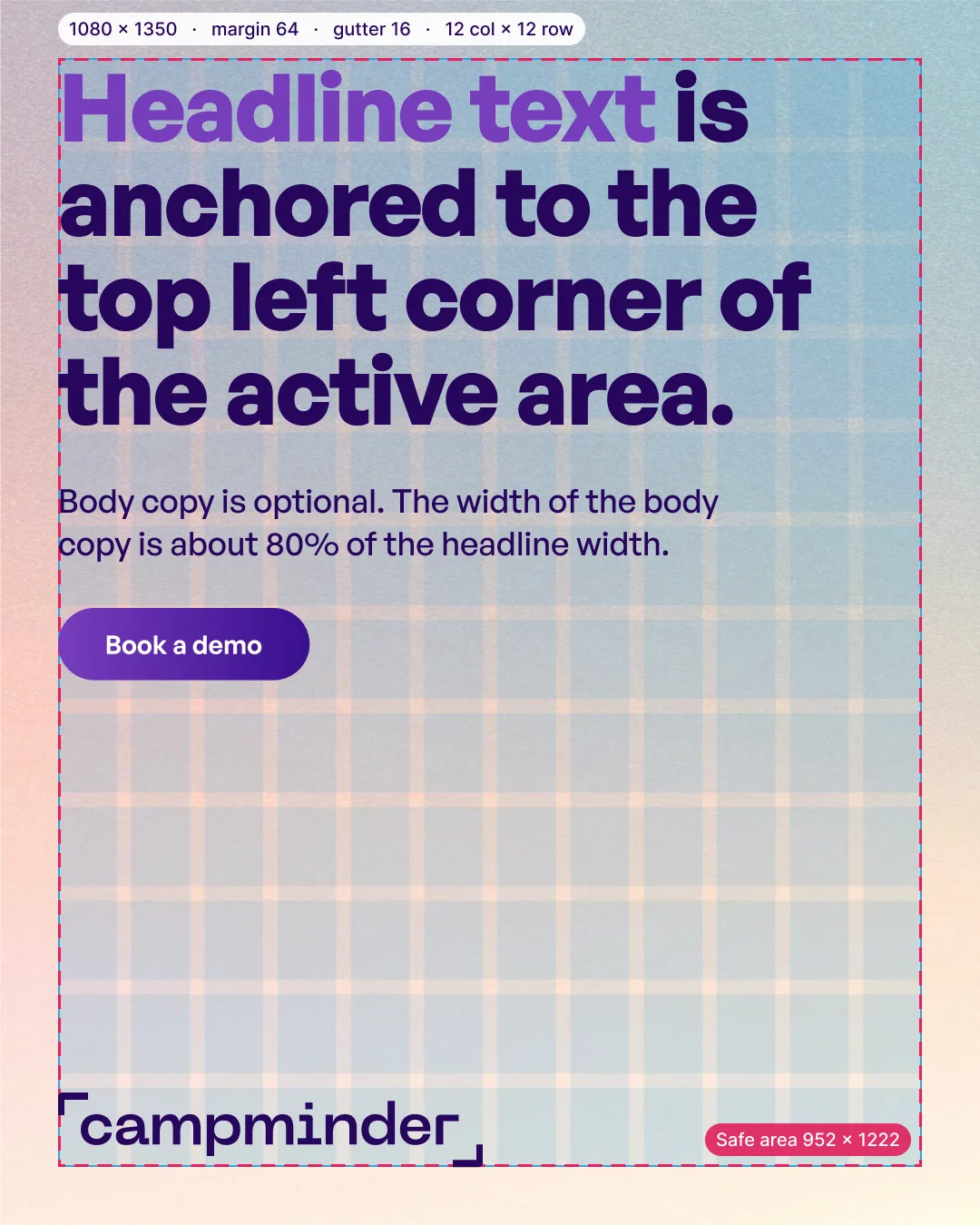
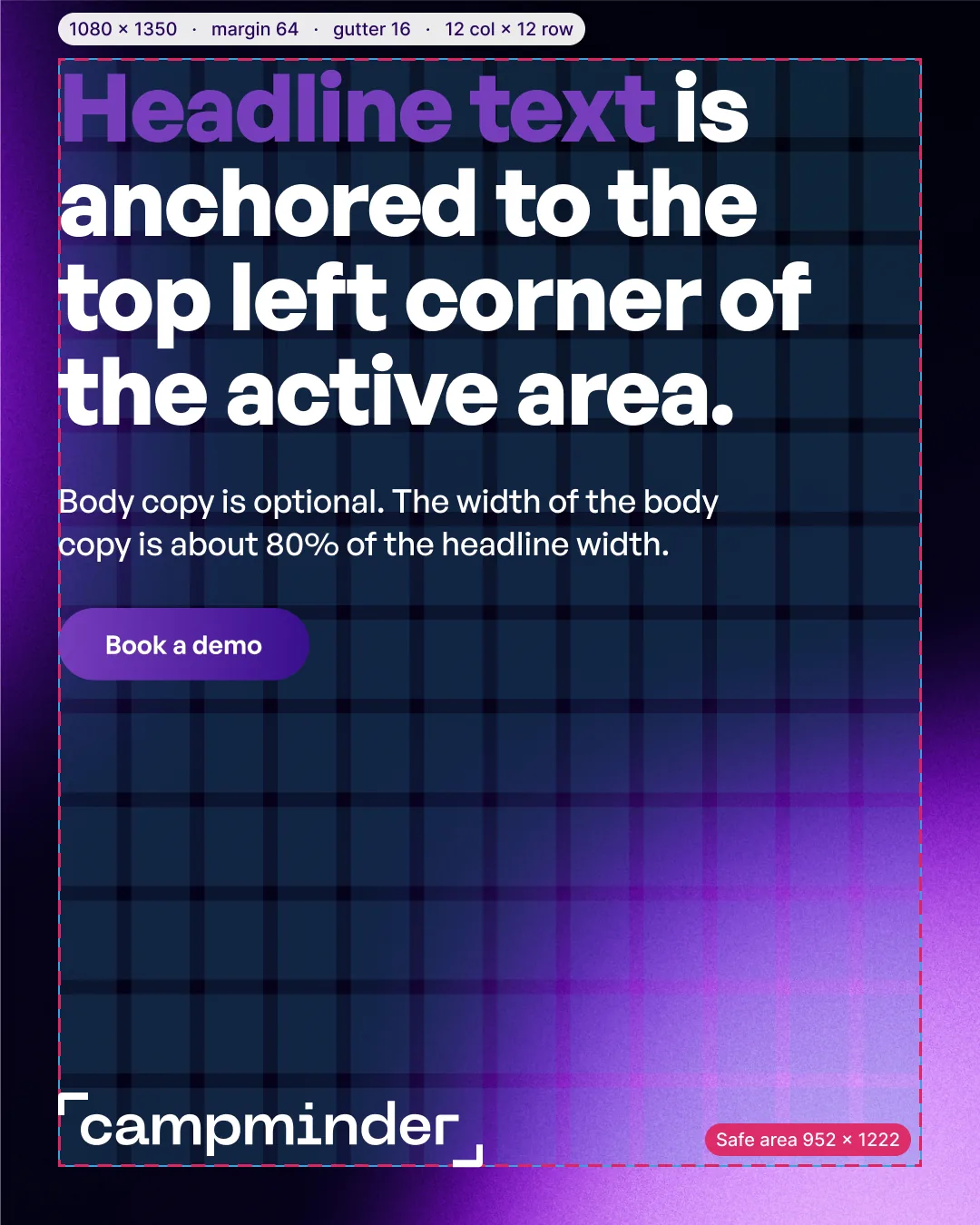
1080 × 1350
Story. Instagram.
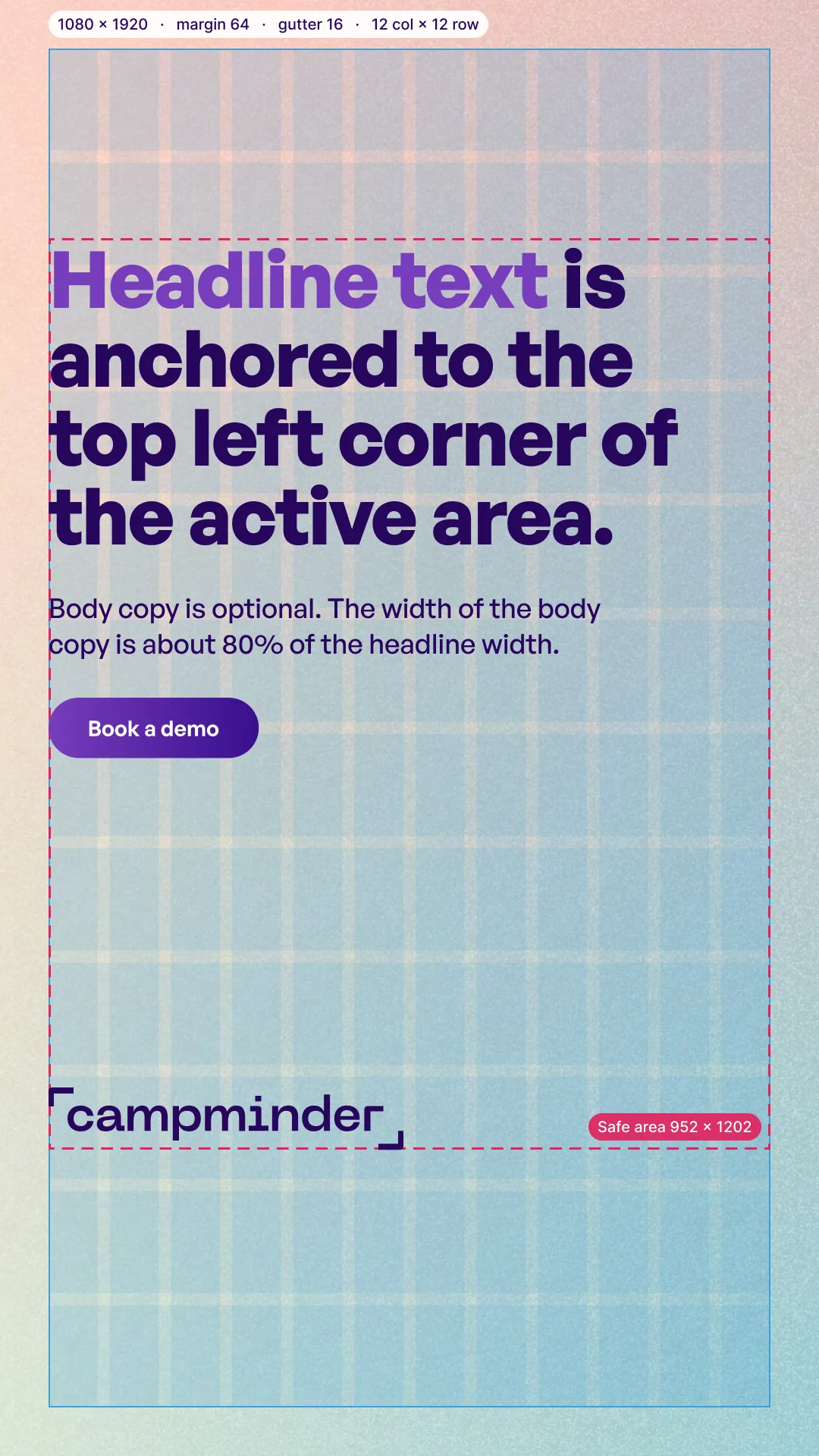
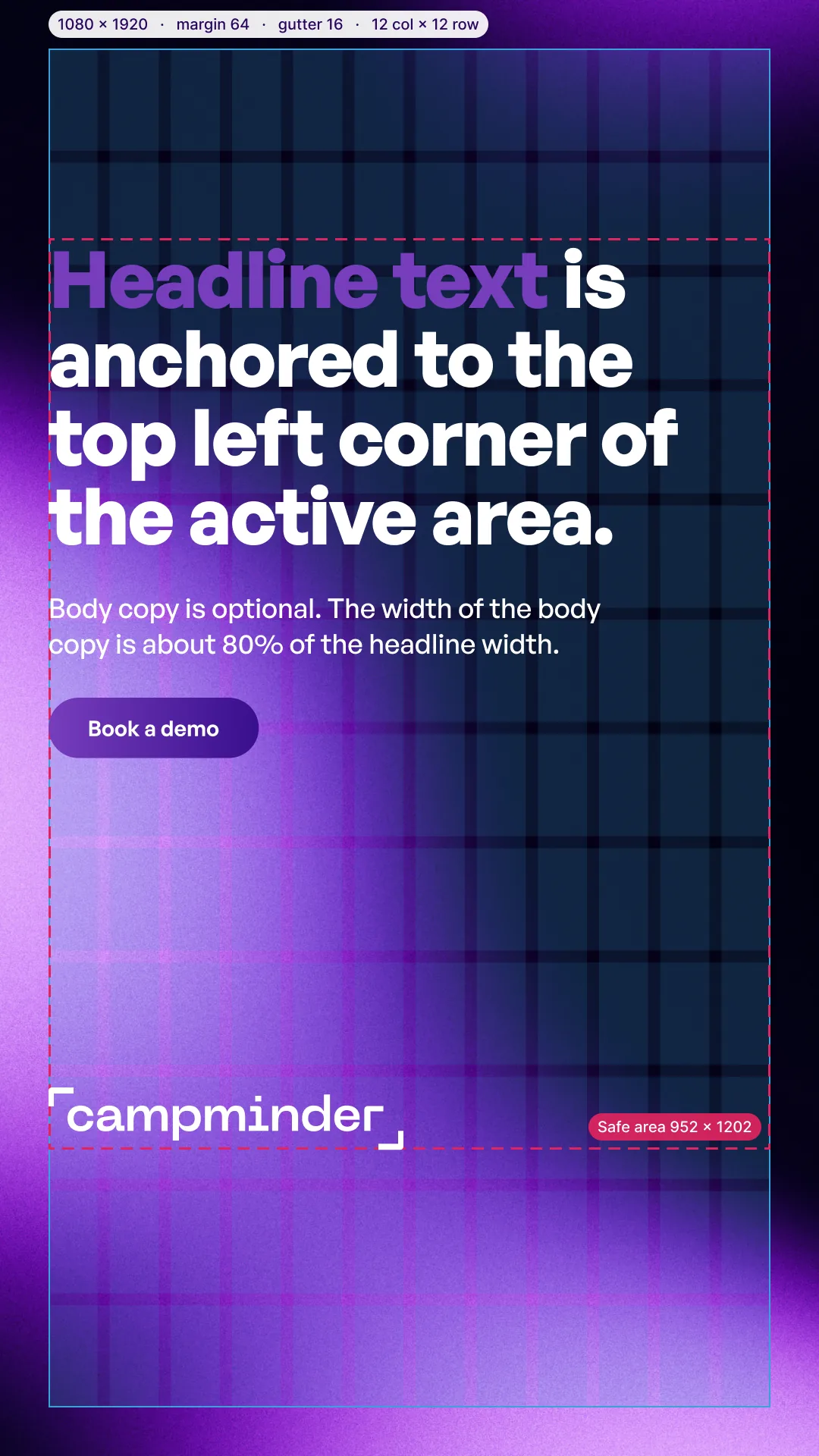
1080 × 1920
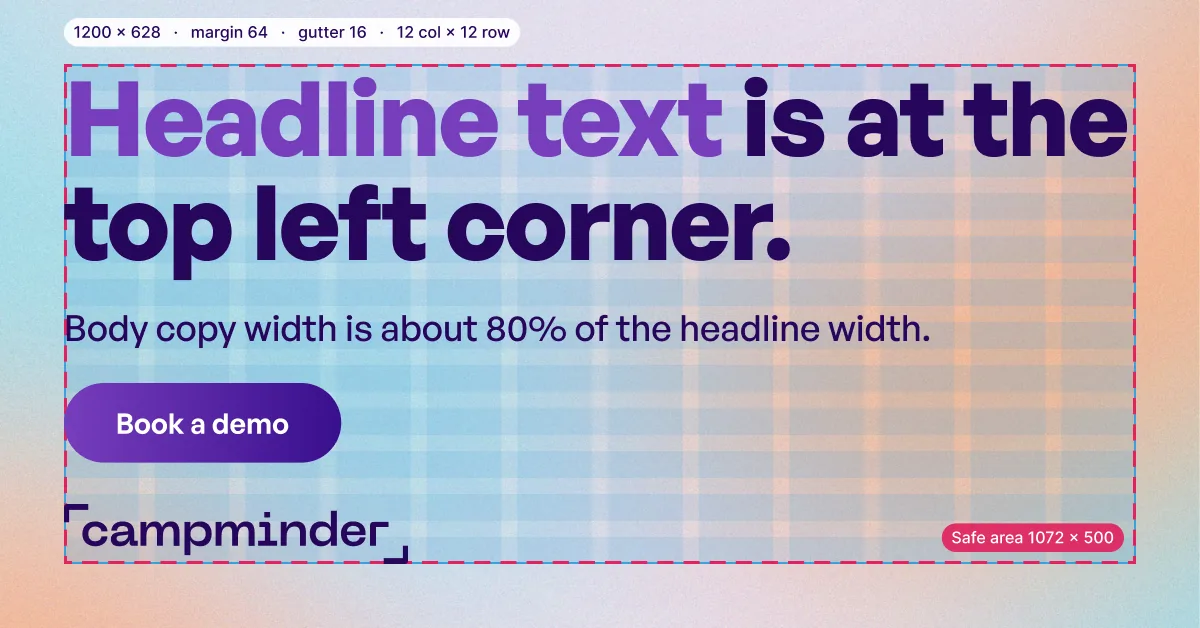
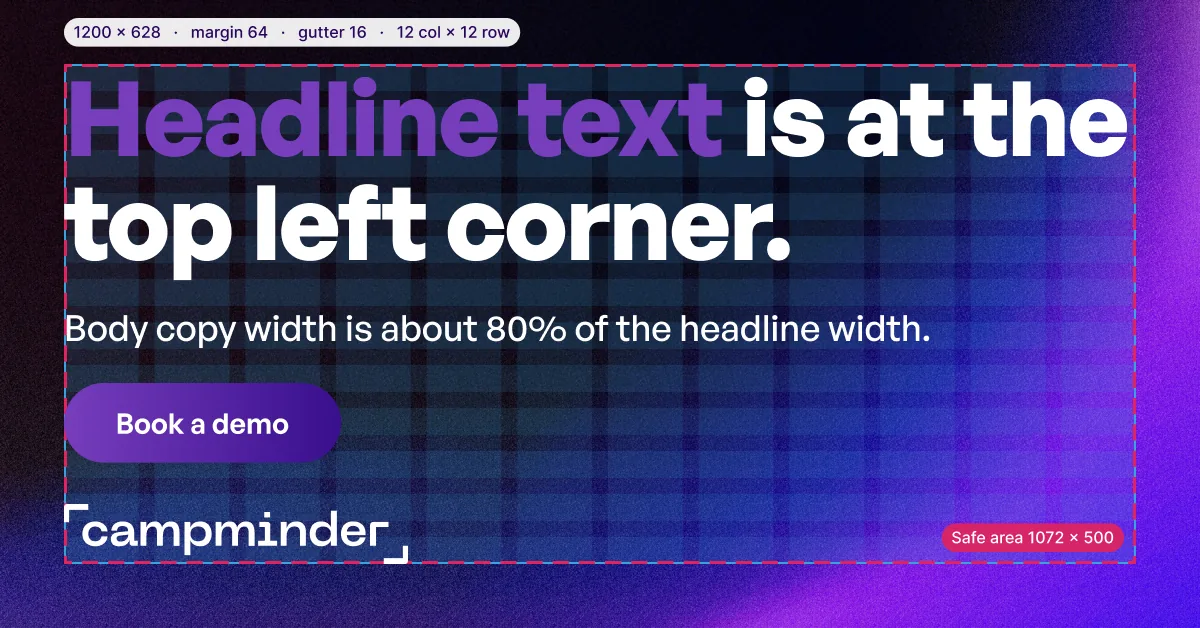
Wide. Google.
1200 × 628
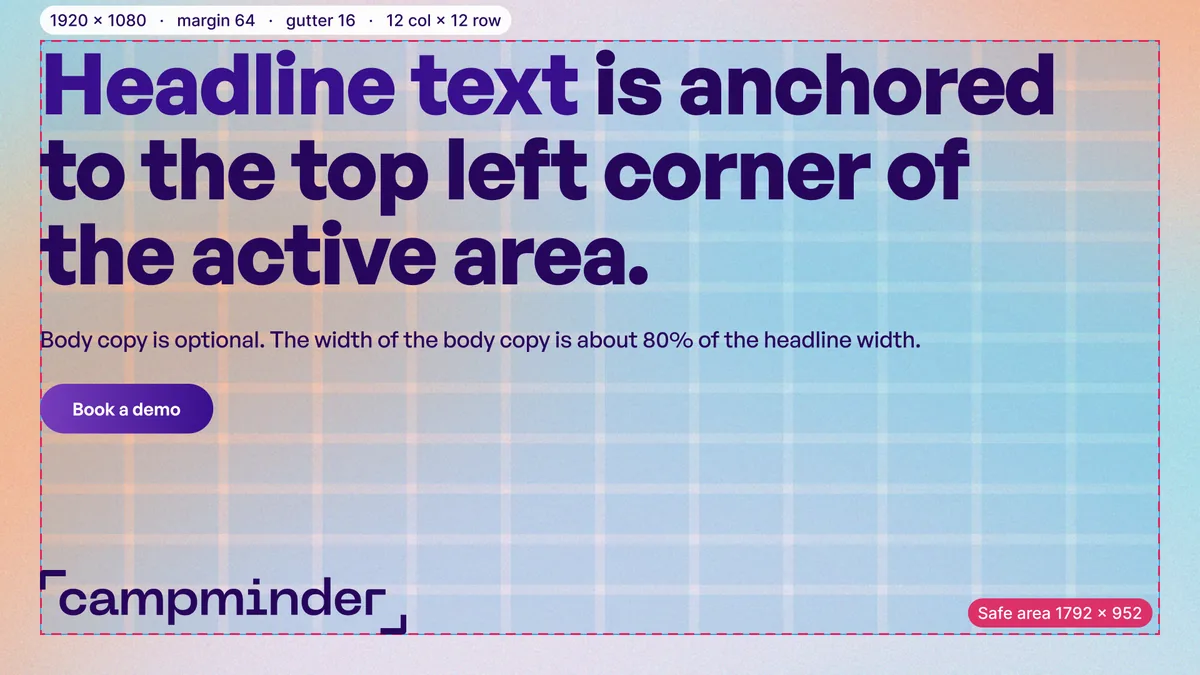
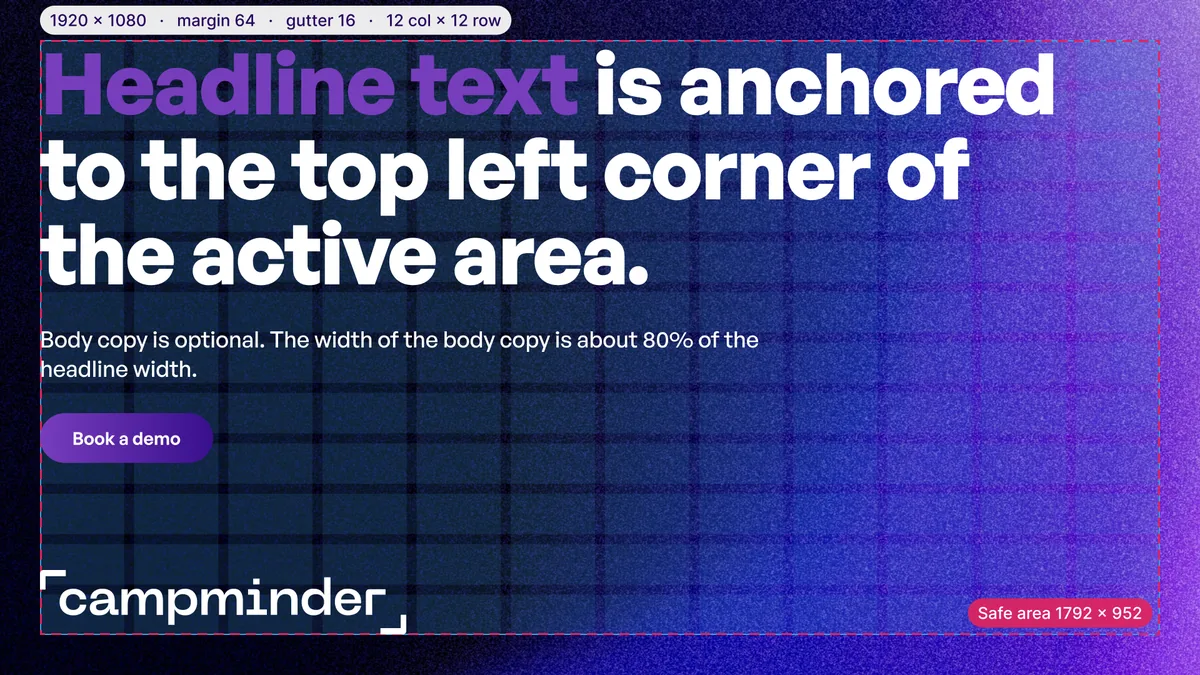
Wide. YouTube.
1920 × 1080
05

Layout

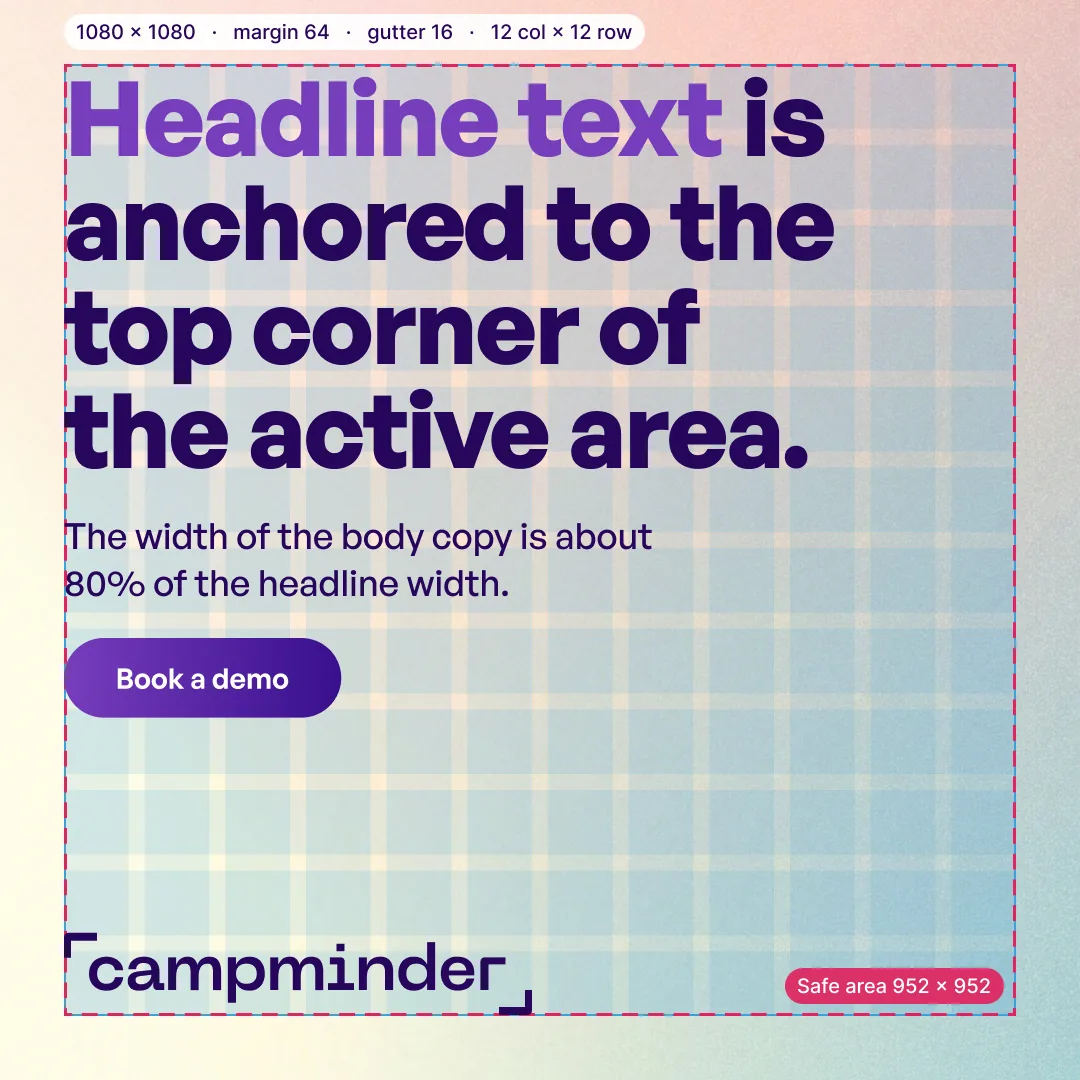
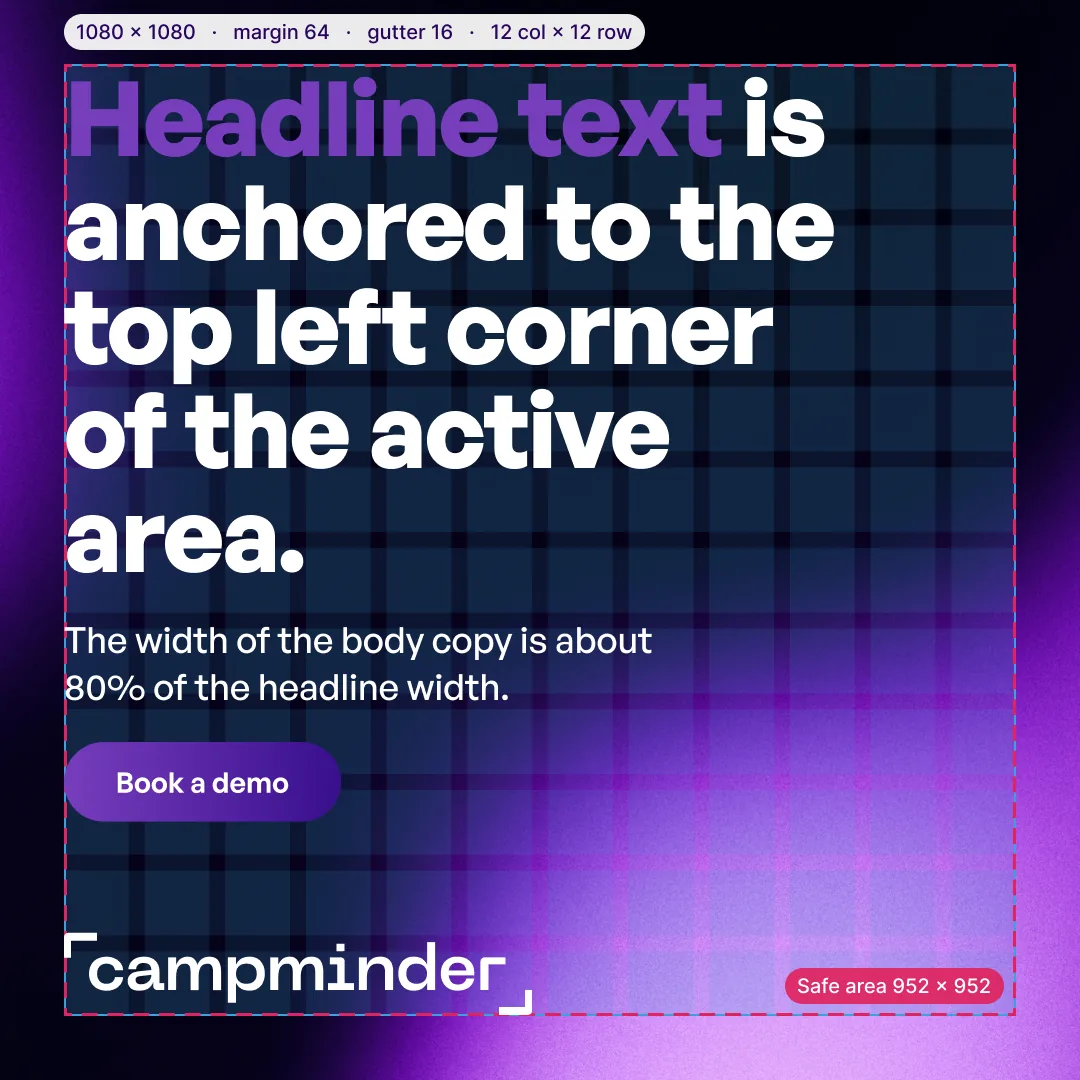
Every template is built on the same grid. The dashed line is the safe area. Keep all active content inside it.
Margin
64 px on every size.
Gutter
16 px on every size.
Grid
12 columns and 12 rows inside the margin.
Safe area
The margin box.
05-01Square
Square template with the grid and safe area, light
Square template with the grid and safe area, dark
05-02Tall feed
Tall feed template with the grid and safe area, light
Tall feed template with the grid and safe area, dark
05-03Story
Story template with the grid and safe area, light
Story template with the grid and safe area, dark
05-04Wide (Google)
Wide (Google) template with the grid and safe area, light
Wide (Google) template with the grid and safe area, dark
05-05Wide (YouTube)
Wide (YouTube) template with the grid and safe area, light
Wide (YouTube) template with the grid and safe area, dark
06

Backgrounds

New gradients that can be used along with the existing library of Campminder brand gradients. Each one is shown on its own at every size.


06-01Square
Square background, light
Square background, dark
06-02Tall feed
Tall feed background, light
Tall feed background, dark
06-03Story
Story background, light
Story background, dark
06-04Wide (Google)
Wide (Google) background, light
Wide (Google) background, dark
06-05Wide (YouTube)
Wide (YouTube) background, light
Wide (YouTube) background, dark
07

Files

Final design assets.

Design grid

The grid and safe area on a transparent background, at each size. PNG.

Background gradient

The gradient alone at each size, light and dark. PNG at 2x.

Sample layout

Each template with placeholder copy, light and dark. PNG.

Background with logo

The gradient and the logo at each size, light and dark. PNG.

Figma file

The templates, the grid overlays, and the export set.

Open the Figma file
Edits

The templates ship with placeholder copy. Changes after the walkthrough are quoted before any work starts.

Download

The design grid, background gradient, sample layout, and background with logo, each in its own folder.

Download the templates